

.png?width=40&name=avatar-DJ-Harish%20(compressed).png)
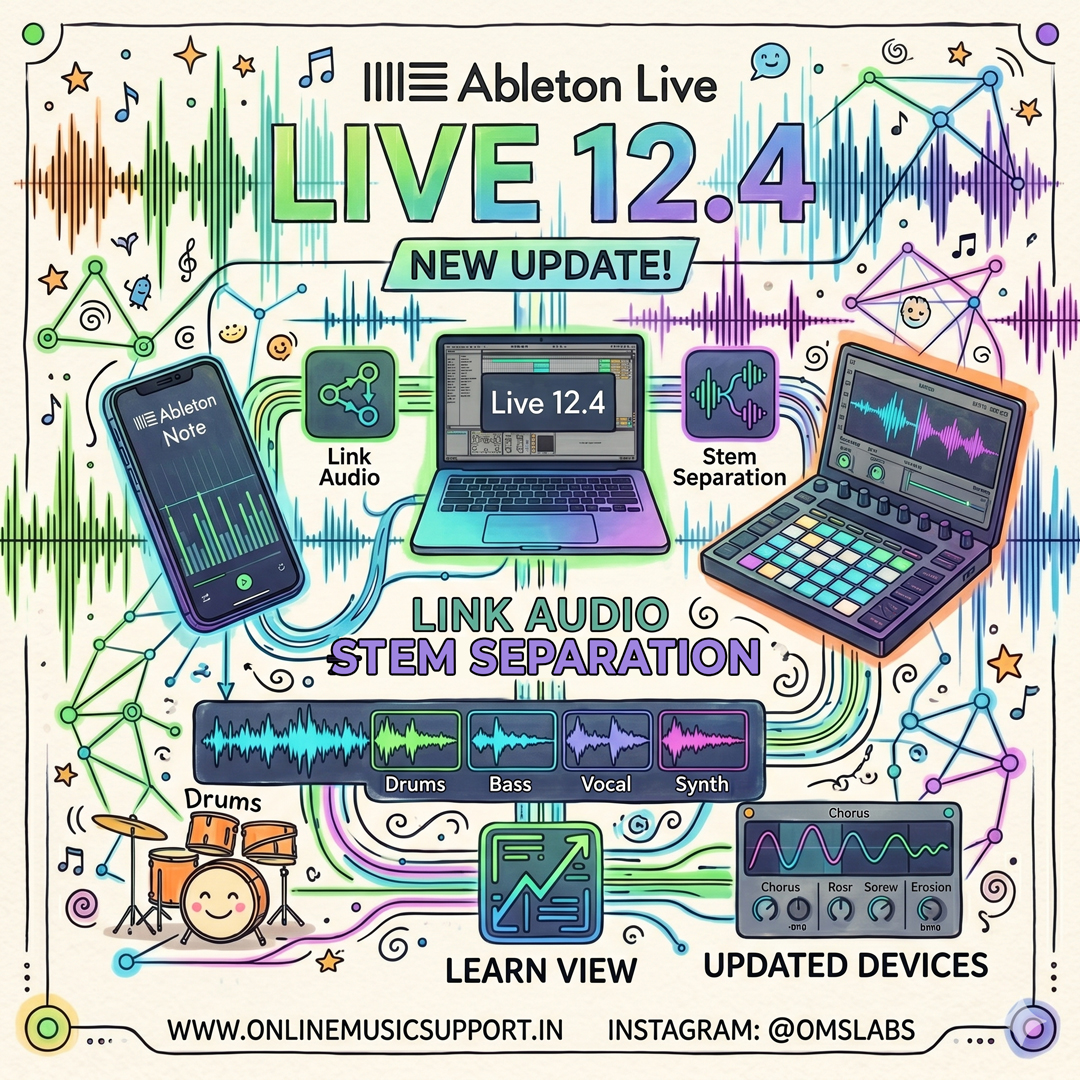
The wait is over! Ableton has officially released Live 12.4, a massive update that bridges the gap between your desktop studio and mobile creativity. Whether you’re an Ableton Move user or a Live Suite veteran, this update is packed with features designed to speed up your workflow.
⚡ Live 12.4 At A Glance
Stream real-time audio between Live, Push, Move & Note over your local network.
New time-selection processing & cleaner UI for splitting tracks.
Erosion, Chorus-Ensemble, and Delay get massive visual & sonic upgrades.
Interactive lessons and progress tracking built right into the DAW.
1. Link Audio: Wireless Collaboration is Real
The headline feature of Live 12.4 is Link Audio. Historically, Link only synced tempo (MIDI clock). Now, you can stream actual audio between devices on the same Wi-Fi. This means you can record a synth line on your phone (Ableton Note) and have it appear instantly as an input in your Live project—no cables required.
2. Advanced Stem Separation
For the remixers and samplers at Online Music Support, the 12.4 update to Stem Separation is a lifesaver. You can now:
- Process only specific time selections instead of the whole track.
- Remove specific stems (like just the drums) while keeping the rest in one track.
- Track progress via a global progress bar.
3. Enhanced Sound Design Devices
Three fan-favorite devices have received a facelift:
- Erosion: Now features a real-time spectrum visualizer (essential for surgical grit).
- Chorus-Ensemble: Better delay time control for those lush, 80s guitar tones.
- Delay: New LFO modes and waveforms for more rhythmic modulation.
4. Push, Move & Note Integration
Live 12.4 isn't just for your computer. Ableton Move 2.0 and Note 2.0 are launching alongside it. You can now record directly into these mobile devices using a mic or USB-C and use the Warp algorithm to keep your audio in sync regardless of tempo changes.
Need help updating or optimizing your Ableton setup?
Our experts at Online Music Support are ready to help you master Live 12.4. From installation to advanced workflow coaching, we've got your back.
Get Expert Support NowDisclaimer: Live 12.4 is a free update for all Live 12 license holders. Check your Ableton account to download.
Comments